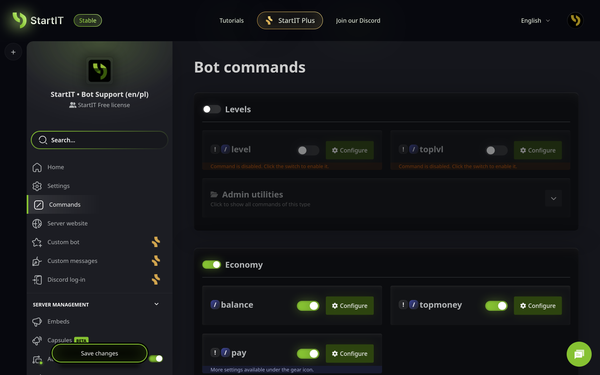
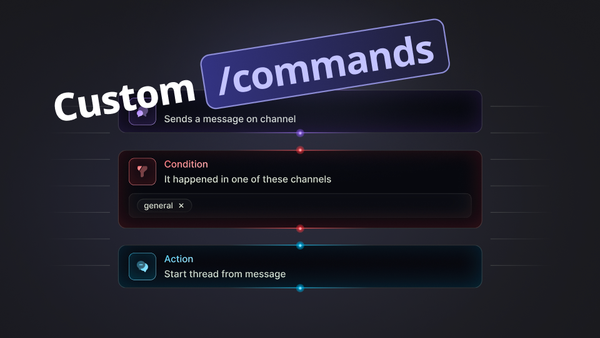
This release brings a brand-new Commands tab to customize slash and prefix options, Sticky Messages, upgrades to capsules and auto channels and a refreshed Images plugin with a meme generator.
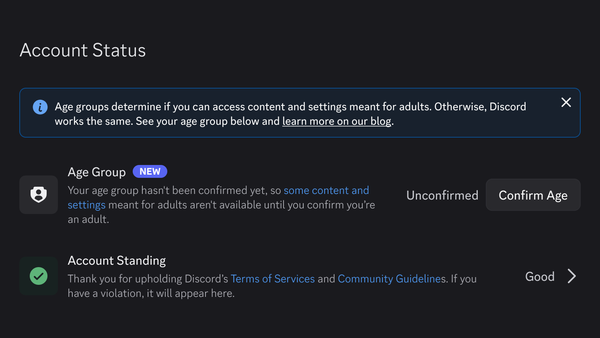
The Discord age verification rollout hit in late September 2026. The web answered with sarcasm, refusal, and a lot of creative violence aimed at Wumpus, the purple mascot.
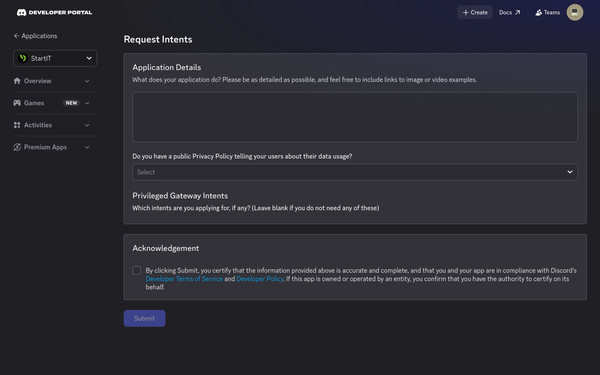
Discord requires servers that reach over 10,000 users to fill out Intent Request form for their Custom Bots. If your server has grown past that threshold, this guide is for you.
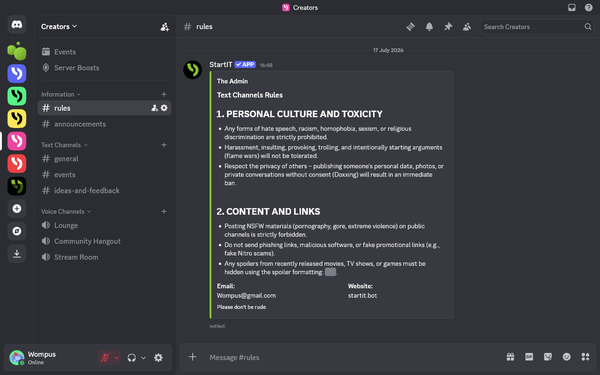
An EMBED is a special feature that lets you wrap your text and pictures inside a clean, structured info card. While Discord usually creates those for links, you can actually build and send these completely on your own.
You will learn a clever trick to hide long text behind interactive buttons. Keep your channels perfectly clean, and get users to actually click and read what they find interesting.
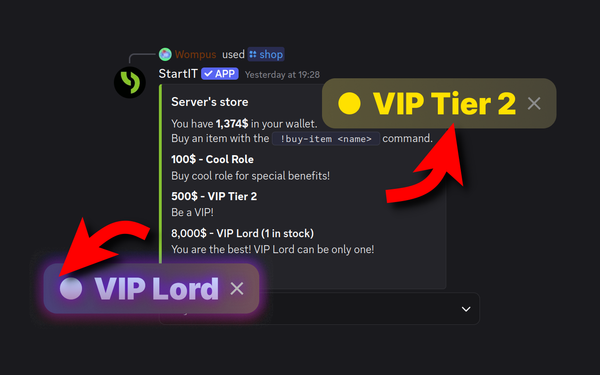
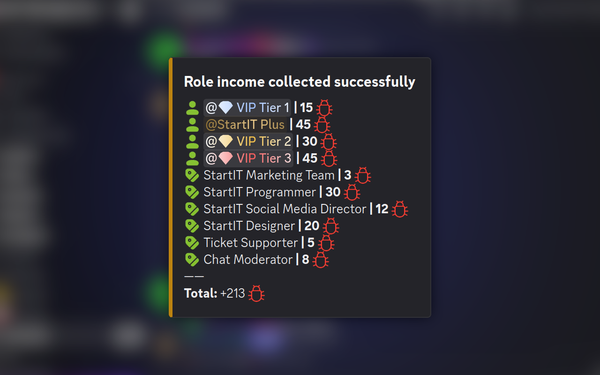
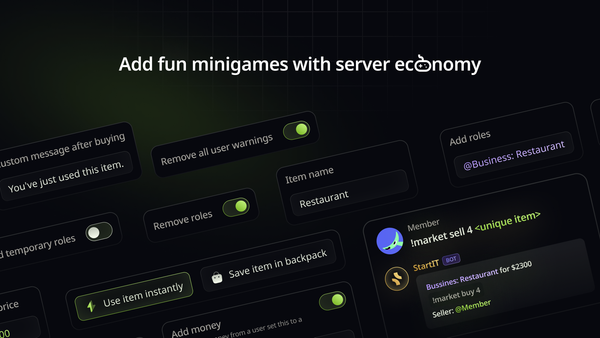
If your server's economy is just numbers on a screen, people will eventually stop caring. To keep them active, you need to let them turn those digits into exclusive roles so they have a real reason to earn.
It is frustrating when you can't find a bot that actually does what you want. This guide walks you through a simple, visual way to build missing features yourself. Turn your ideas into working tools for your server.
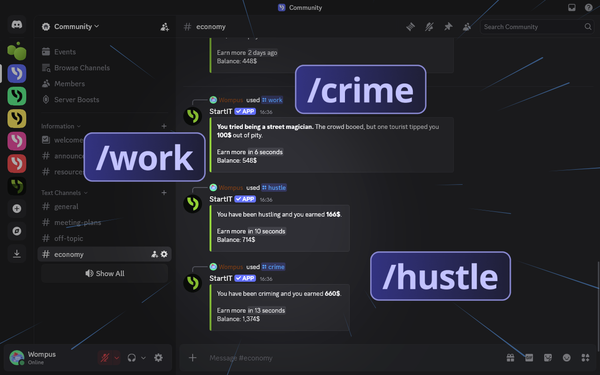
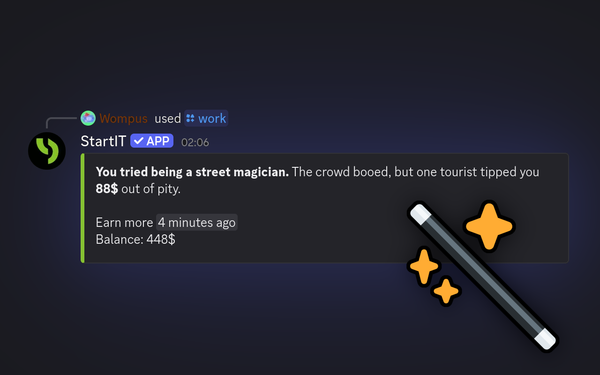
Once the bot is on your server, configuring /work, /hustle, and /crime is the most direct way to get your economy moving. These commands are simple to set up and give members an immediate way to earn currency.
Most bots come with boring, generic text for /work, /hustle, and /crime. If you want your server to feel like a real community, you need flavor text that actually fits. This list of 100 ideas helps you ditch the defaults and start building a world your members actually want to interact with.
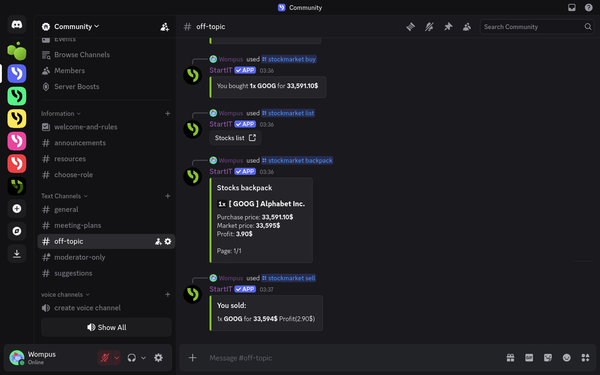
Connecting your server’s currency to real-world events is a good way to keep the server's economy from getting boring. This tutorial will show you how to set up the stock market command so that when a company makes headlines, your members have a direct reason to jump into the chat.
Most Discord roles are just worthless trophies. You grind for weeks just to turn your name a new color, and then... nothing. Let’s turn those useless colors into a living economy that actually gives your members a reason to stay.
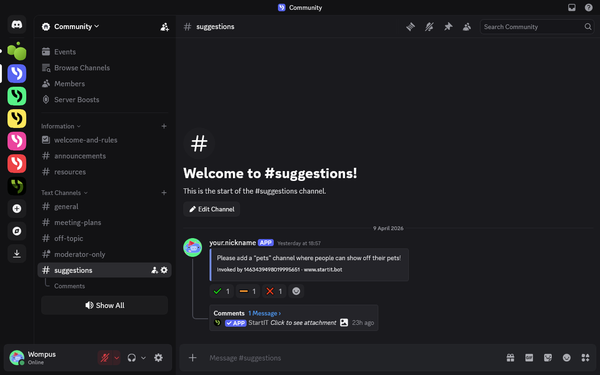
Your server grows faster when members feel like they have a say. Instead of guessing what your community wants, use a structured feedback system to let them vote and comment on the best ideas.
A server economy turns casual chatting into a game. It gives your members a reason to stay active, earn rewards, and compete for the top spot. Here is how to get yours running without the headache.
If someone can clear a mute just by leaving and rejoining, your rules are basically optional. Stop letting users treat the "Leave" button like a reset switch; here is the simplest way to close that loophole for good.
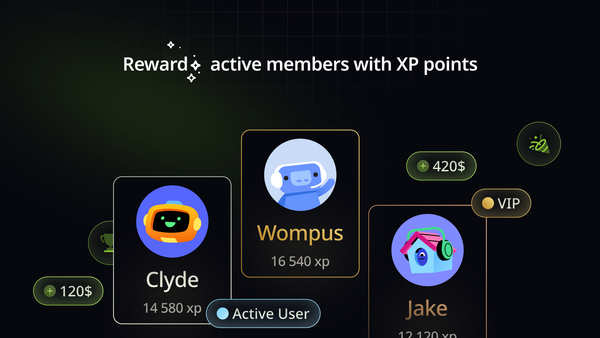
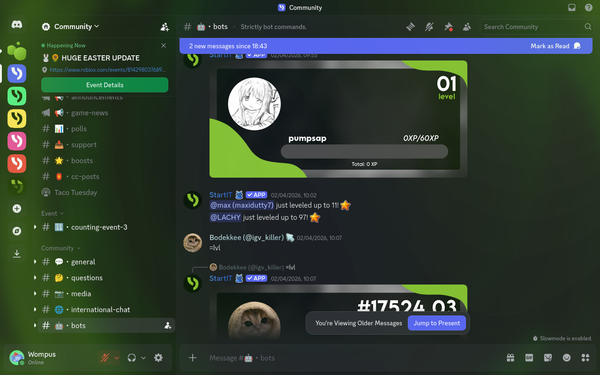
Discord servers thrive when participation feels like progress. Adding levels gives your members a reason to stay active and a stake in the community. Here is how to set it up.
Most Discord servers fail because they blend into the background. If you want to move past a basic setup and build a community that actually stays active, and fun, you need to stop doing everything manually. This guide explains how to use Discord bots.
Digital communication has evolved beyond text; if you can’t express your point with a perfectly timed visual, you’re missing out. A massive Meme Generator is right at your fingertips!
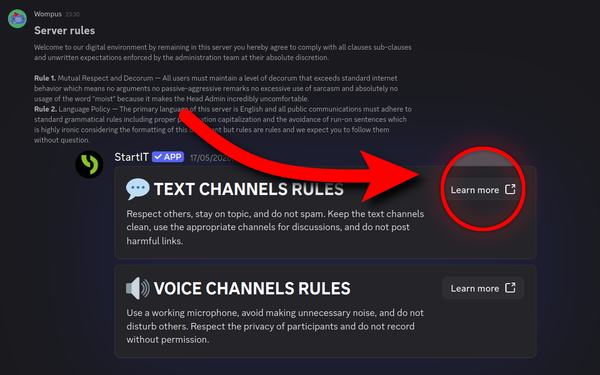
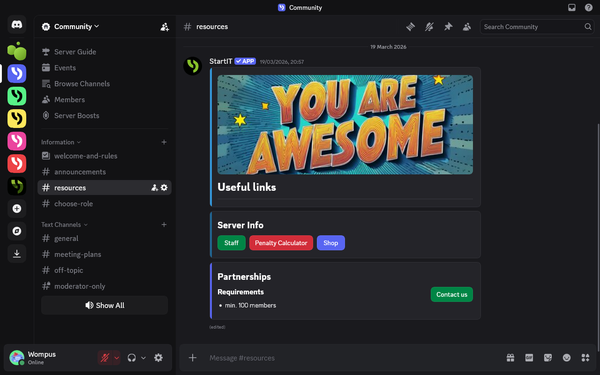
Stop cluttering your Discord server with messy walls of text that everyone ignores. Discover how to use modular components to turn your announcements and info-hubs into a clean, professional interface that makes your community feel premium from the moment someone joins.
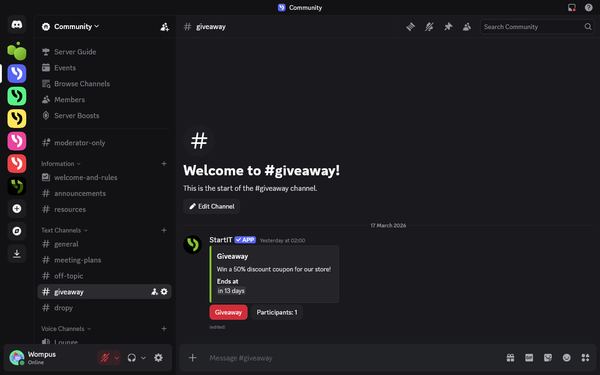
Giveaways are one of the most effective ways to reward your Discord community. However, running a fair and organized draw requires more than just a random message in a chat. This guide breaks down how to easily set up professional giveaways.
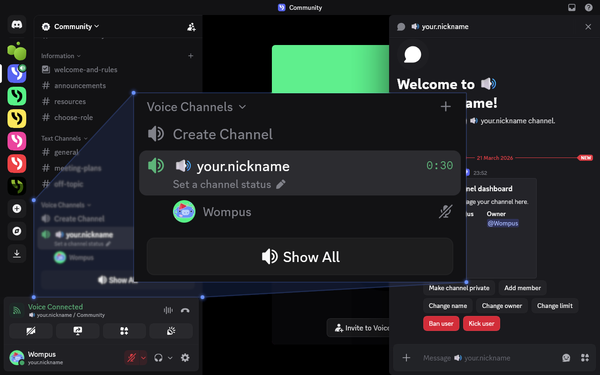
Stop manually managing a cluttered list of empty voice channels. This guide shows you how to set up dynamic rooms that only exist when someone is actually using them, keeping your server organized and your members' chats private without you lifting a finger.
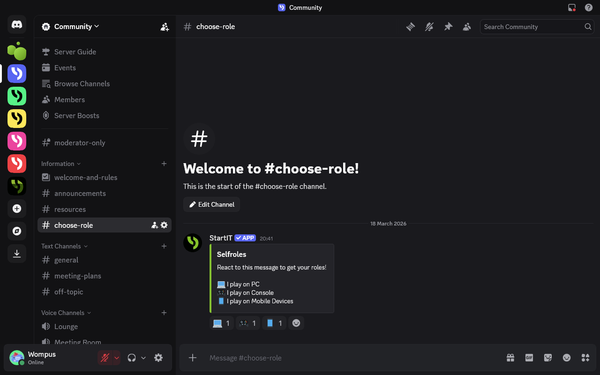
Managing a Discord server shouldn't feel like a chore. Let users pick their own interests with a single click. It keeps your channels organized and stops unnecessary notification pings.
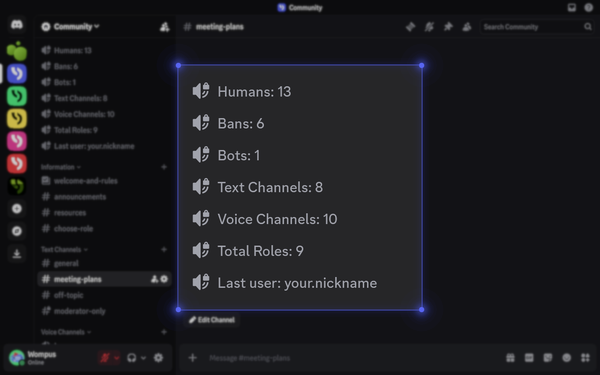
Hidden stats make a server look empty. Moving your member count and live growth directly into the channel list makes your community look active and professional the second someone joins. Here’s how to automate that visibility so your server never looks like a ghost town.
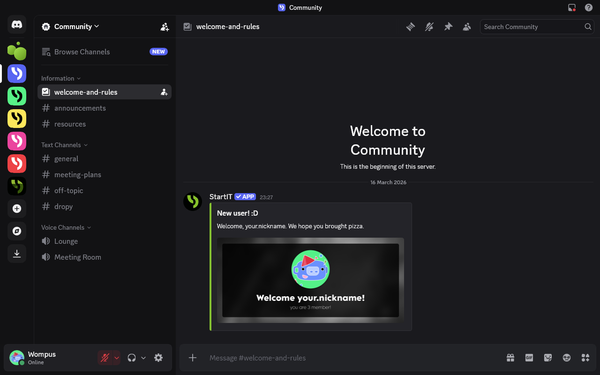
First impressions are everything. Welcome messages are more than just a "hello". Every great community has them, and yours shouldn't be the exception! In this quick guide, we’ll show you how to easily set up welcome and goodbye messages.
We asked thousands Discord users about their an ideal server and shared here summary about practical, actionable tips to help you build a server that keeps your community engaged.