Running a Discord server can be challenging, but the right strategies make it easier. Learn how to manage roles, set permissions, use bots effectively, and keep your server organized. Get tips for moderation, growing an active community, handling conflicts, and creating a safe, engaging space. Perfect for admins and moderators who want their Discord server to thrive and stay fun for everyone.
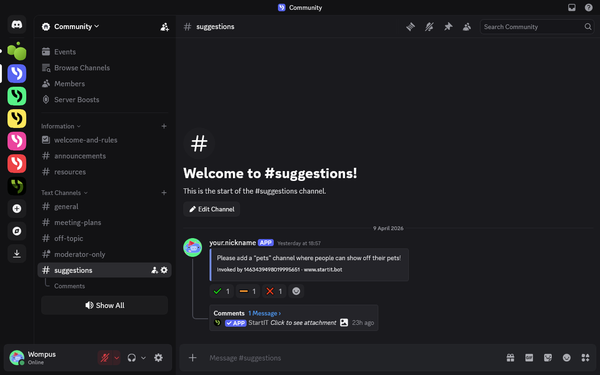
Your server grows faster when members feel like they have a say. Instead of guessing what your community wants, use a structured feedback system to let them vote and comment on the best ideas.
If someone can clear a mute just by leaving and rejoining, your rules are basically optional. Stop letting users treat the "Leave" button like a reset switch; here is the simplest way to close that loophole for good.
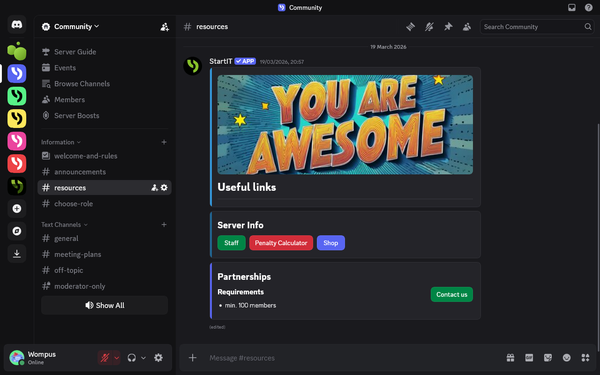
Stop cluttering your Discord server with messy walls of text that everyone ignores. Discover how to use modular components to turn your announcements and info-hubs into a clean, professional interface that makes your community feel premium from the moment someone joins.
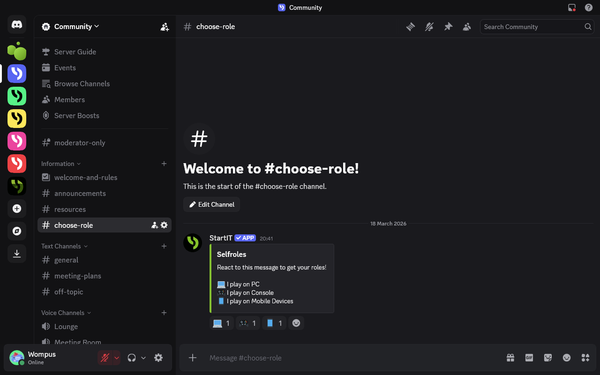
Managing a Discord server shouldn't feel like a chore. Let users pick their own interests with a single click. It keeps your channels organized and stops unnecessary notification pings.
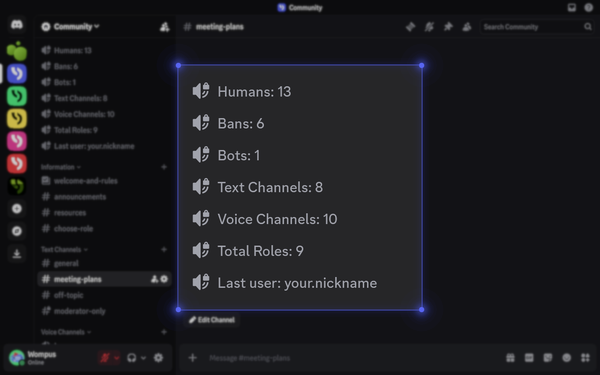
Hidden stats make a server look empty. Moving your member count and live growth directly into the channel list makes your community look active and professional the second someone joins. Here’s how to automate that visibility so your server never looks like a ghost town.
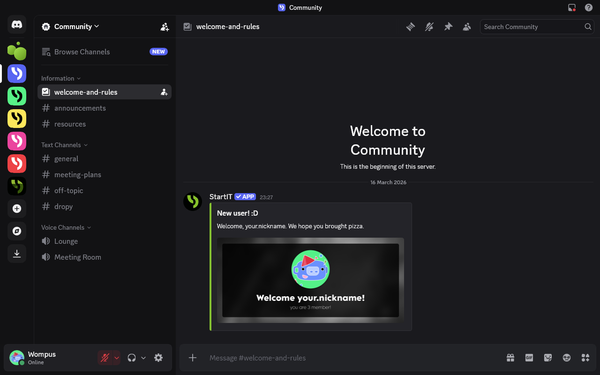
First impressions are everything. Welcome messages are more than just a "hello". Every great community has them, and yours shouldn't be the exception! In this quick guide, we’ll show you how to easily set up welcome and goodbye messages.