Not-so-obvious tips how to improve your Discord Server
We asked thousands Discord users about their an ideal server and shared here summary about practical, actionable tips to help you build a server that keeps your community engaged.

Building a thriving Discord server isn’t just about adding channels and bots — it’s about creating a space where people feel welcome, safe, and engaged. To understand what makes a server truly stand out, we asked thousands of Discord users about their ideal community experience. From these responses, clear patterns emerged:
In this guide, we summarize the key takeaways and provide practical, actionable tips to help you design a server that not only attracts members but keeps them coming back.
Good Discord server doesn't have to be big!
...but it should be clear, active, safe, and friendly. New users should have clear entry rules. The rules and verification instructions must be readable and easily accessible. A well-prepared FAQ or tag system helps users find answers to common questions faster.
#1. Make new members welcomed
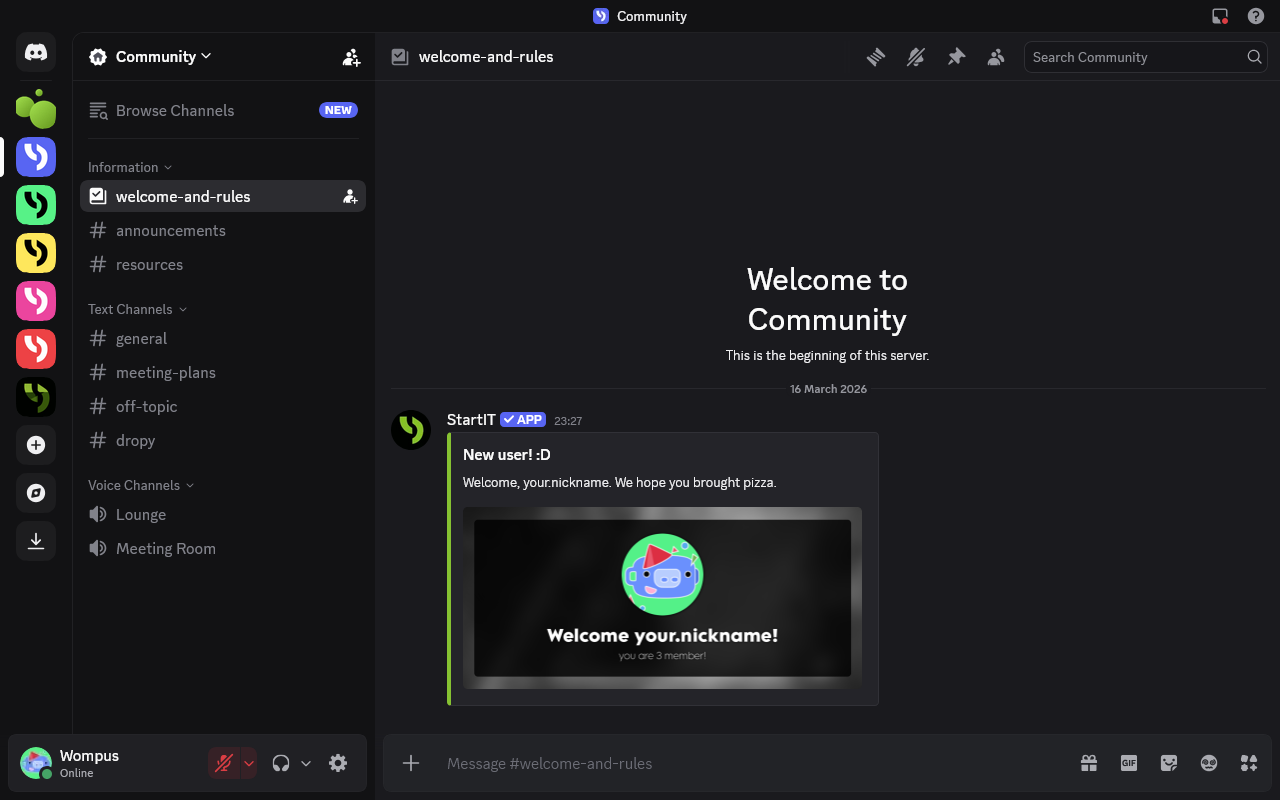
Create a dedicated welcome channel with the most important information for new members. Then create another welcome message on the main channel so other users can say hello. We wrote article how to make automatically welcome new users here.
#2. Make new members engaged with... Giveaways!
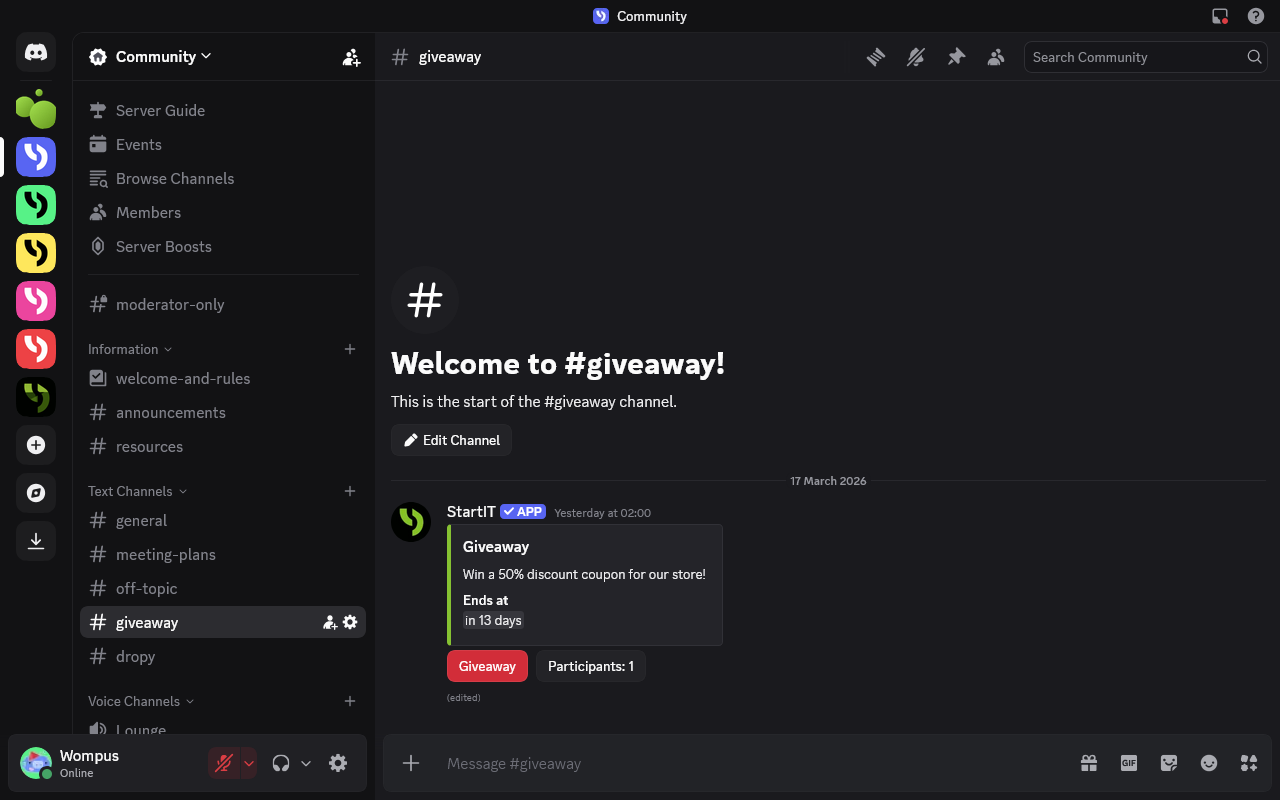
One of the biggest nightmares of any Discord server owner is new members joining and then leaving right away. Giveaways are a simple yet powerful solution: by giving newcomers an immediate reason to participate, you keep them engaged from the very first visit. Make new contests every few weeks and it will make a big difference, encouraging members to explore your channels, interact with others, and stick around. If this idea sounds good to you go to our tutorial how to configure giveaways in your Discord server.
#3. There are introverts on Discord too
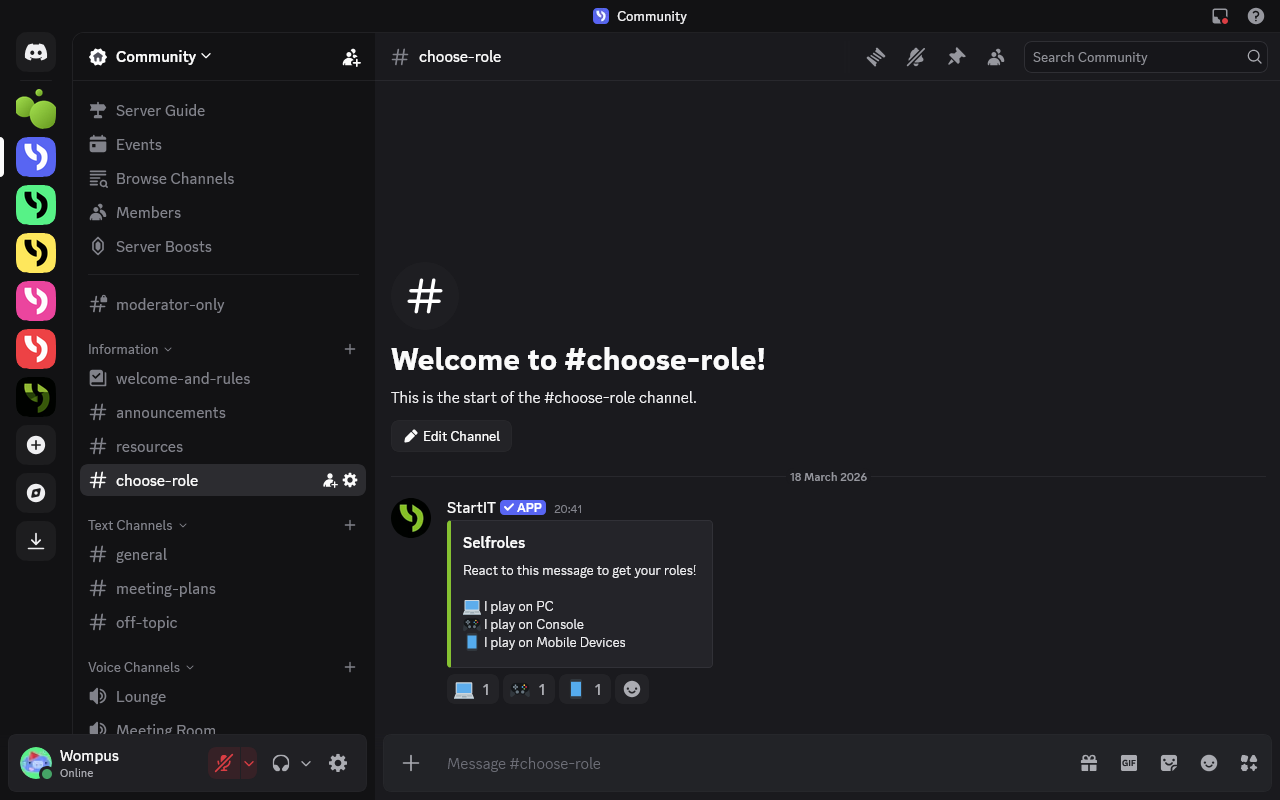
Some people don't like to get involved in conversations right away. Give them the option to choose roles that define their interests. This allows them to feel like part of the community without having to immediately participate in chats. If you are interested, jump into our article to find out the easiest way to create reaction roles on Discord server.
#4. Make users addicted to write more
Create a level system or economy on your server to reward activity. Encourage users to visit the server daily to type the /work command to earn server currency. This gives them a reason to check the chat and engage in conversations. You can easily set up the economy and levels with the StartIT bot.
Respondents emphasized that a good Discord server:
- spoconybartus123: should be clear, active, and well-organized.
- bawerekyt: has order, active people, and clearly defined rules.
Aesthetics matter
A consistent look, neat categories, and a well-matched color theme make the server look professional and encourage users to stay. Using emojis in channel and role names improves readability and makes navigation easier. Some servers use emojis only in key channels, others everywhere — the important thing is consistency — test what works best in your community.
#1. Create beautiful announcements
Use bots to create aesthetic announcements with images, buttons, and links. The StartIT bot offers features for creating nice announcements that catch users' attention.
#2. Let bots create voice channels
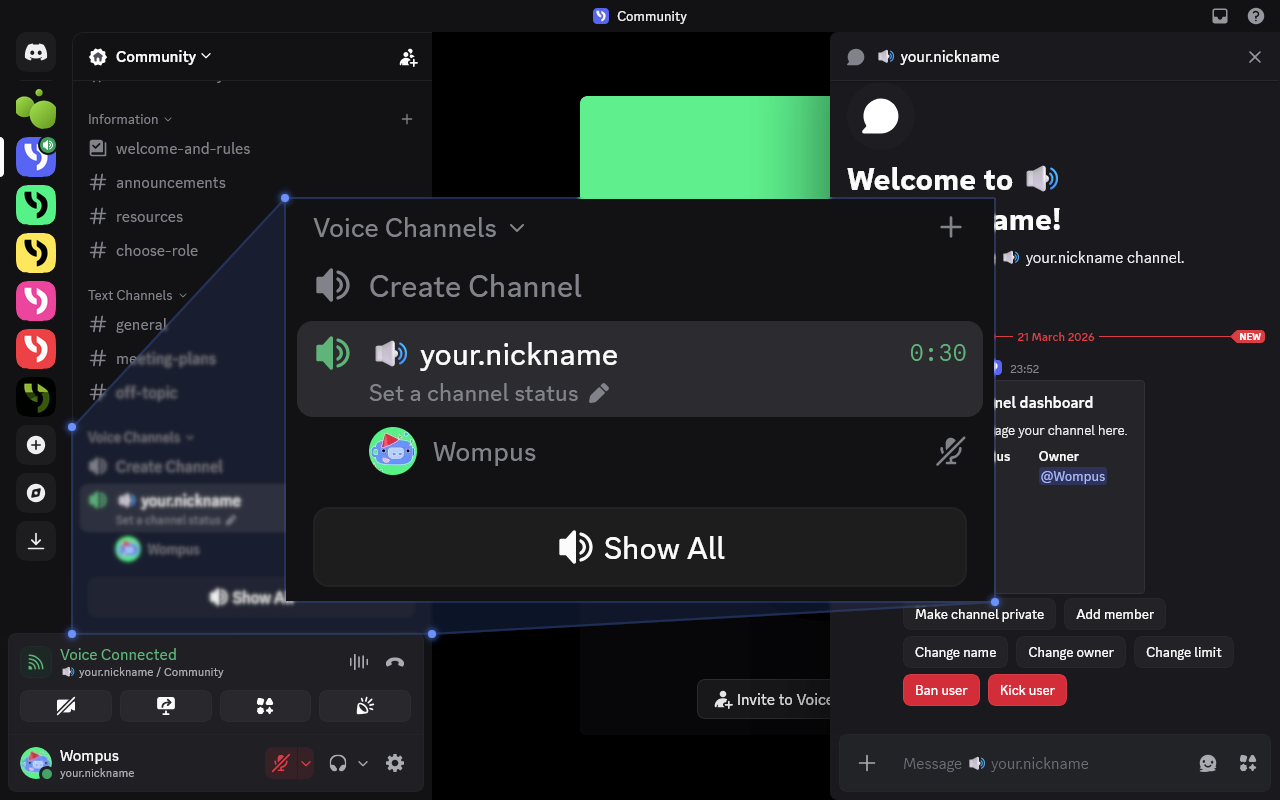
Discord bots can automatically create temporary voice channels when users join a special "Create a voice channel" channel. This helps organize conversations and keeps the server clear.
We wrote a guide how to create auto voice channel the simplest way.
#3. Use color themes
Choose a main color for your server and use it in graphics, role colors, banners, and other visual elements. Color consistency improves aesthetics and brand recognition.
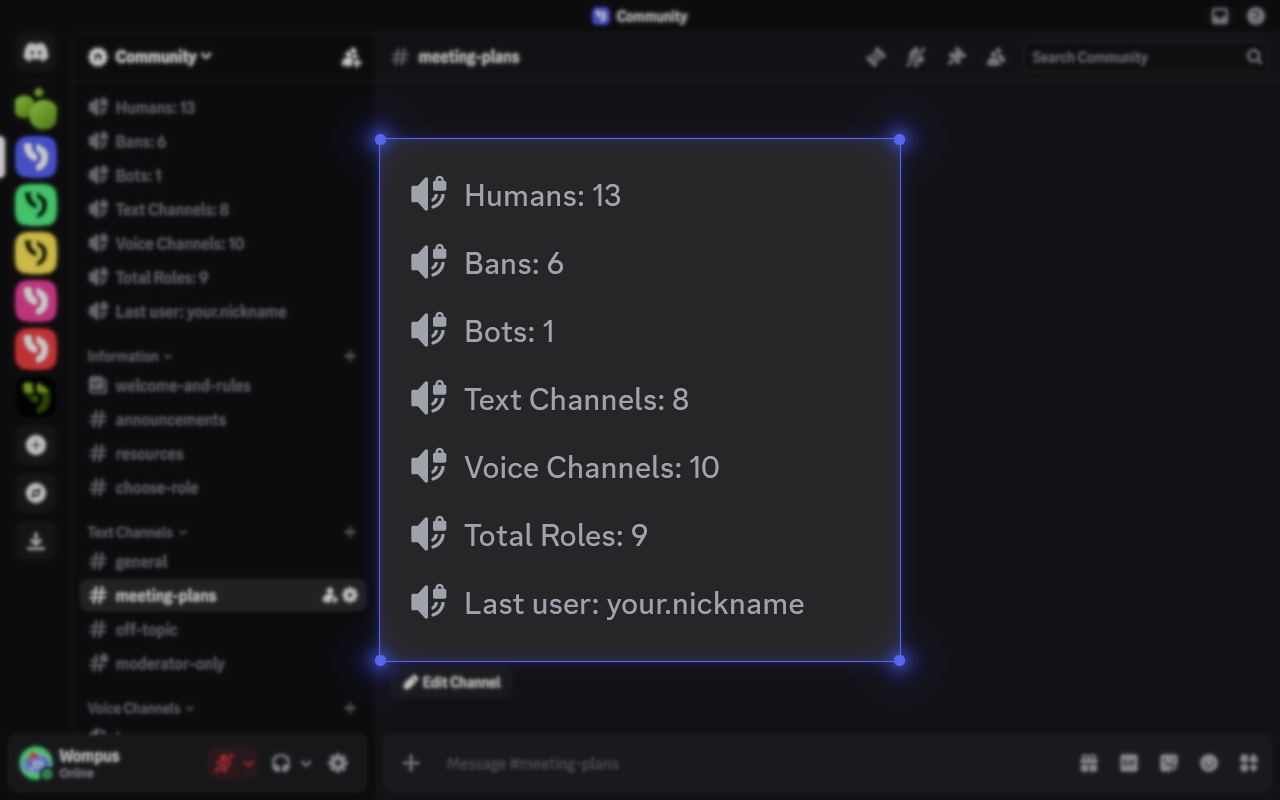
#4. Add server statistics
Most Discord servers look static and dead because the growth is hidden in the settings menu. By pulling your member counts and server stats directly into the channel list, you create an immediate sense of activity and scale for anyone who joins. It’s the easiest way to make your community look professional and established without you having to manually update a thing.
Interested? Check out our tutorial about how to add counting channels in 2 minutes.
Channels must be well-organized. It's worth dividing them into logical categories: conversations, announcements, help, fun, and integration. Each channel should have a short description. Too many sections are tiring, so it's better to keep order and limit the number of channels.
As respondent ksperix.dev said: A good server is Aesthetics + functionality! Custom commands/automations and modern capsules — you can do it with StartIT!
A server is mainly about people
Respondent dabljupl emphasized that "a server is not just bots or configuration, but the people who build it." Atmosphere is key. People return where they feel good. The team should be calm, helpful, and coordinated. The rules should not be overwhelming but must protect against toxic behavior, spam, and chaos. No NSFW content and channel protection increase the sense of safety.
A good server needs a coordinated administration. The team should operate efficiently, communicate clearly, and respond quickly to problems. Only then can order and a friendly atmosphere coexist.
Build your server's atmosphere
The best servers have a soul. They don't copy others, but build their own atmosphere. Sometimes it's memes, gaming together, or late-night talks. What matters is that users feel it's their place – aesthetic, safe, active, and organized.
Find a main theme and build a community around it, and you'll attract people with similar interests. It could be gaming, programming, art, music, or anything else.
Then maintain regular activity so users have a reason to return. Events, contests, shared games, fun channels, and voice chats work well. An economy or level system created with the StartIT bot can motivate daily visits.
What do surveyed users say builds a server's atmosphere?
- debondor: A good Discord server has clear rules, helpful staff, and a friendly, engaging atmosphere.
- k4rdev: A good Discord server has an active, friendly community with order, fun, and support.
- vr3x1zz: A good Discord server is clear, active, organized, and has a friendly atmosphere.
- ojandooo: A good Discord server has an active, coordinated community with clear rules and a pleasant atmosphere.
Take care of a good bot
Bots are essential for automation. StartIT helps with verification, reminders, rankings, FAQ management, and user commands. Thanks to this, admins can focus on people instead of technical tasks.
michu022 says: A good Discord server is friendly, organized, engaging, and supported by a bot. Echoed by eiffel0130: A good Discord server should have the StartIT Plus bot, responsible administration, and active users.
A good bot should be easy to use and offer features tailored to the server's needs. Avoid having too many bots, as they can complicate management and clutter slash commands. In StartIT, you'll find many useful features in one panel.
Also, inform users about the bot's available functions through a dedicated channel.