The Basics: Create Your Own Economy on a Discord Server
A server economy turns casual chatting into a game. It gives your members a reason to stay active, earn rewards, and compete for the top spot. Here is how to get yours running without the headache.
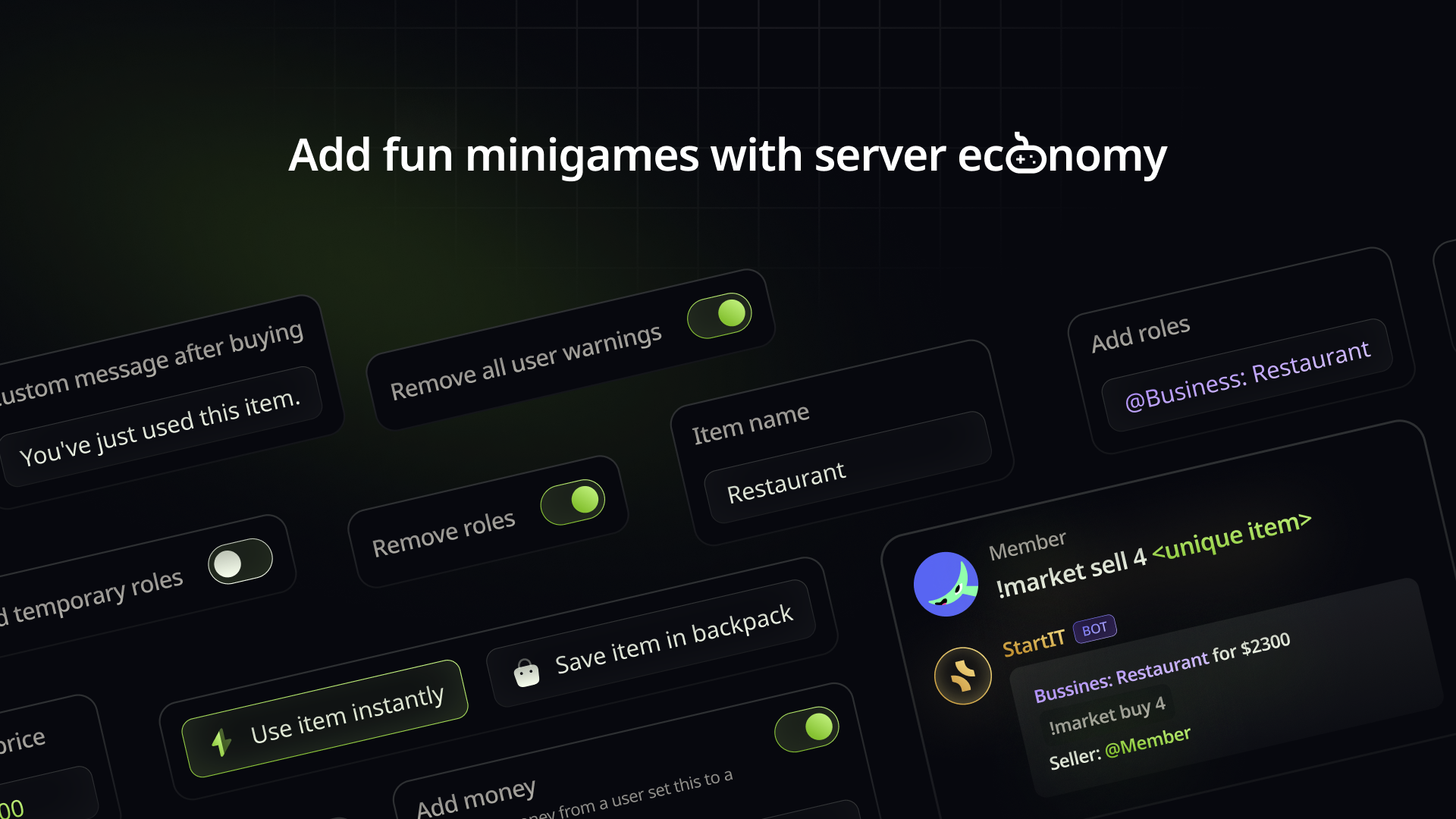
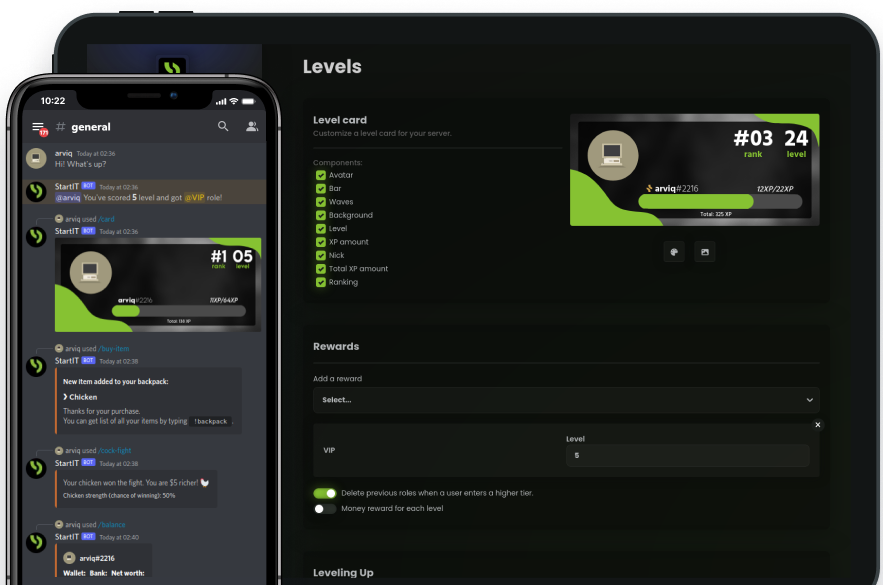
An economy system is hands-down the best way to boost engagement on your Discord server. By rewarding members for their activity and allowing them to purchase virtual items or exclusive roles, you create a living community that users want to return to.
While building a balanced economy takes a bit of vision, our bot makes the technical setup effortless. Let’s dive into how you can create a clear and exciting economy in just a few minutes!
Add StartIT to Your Discord Server
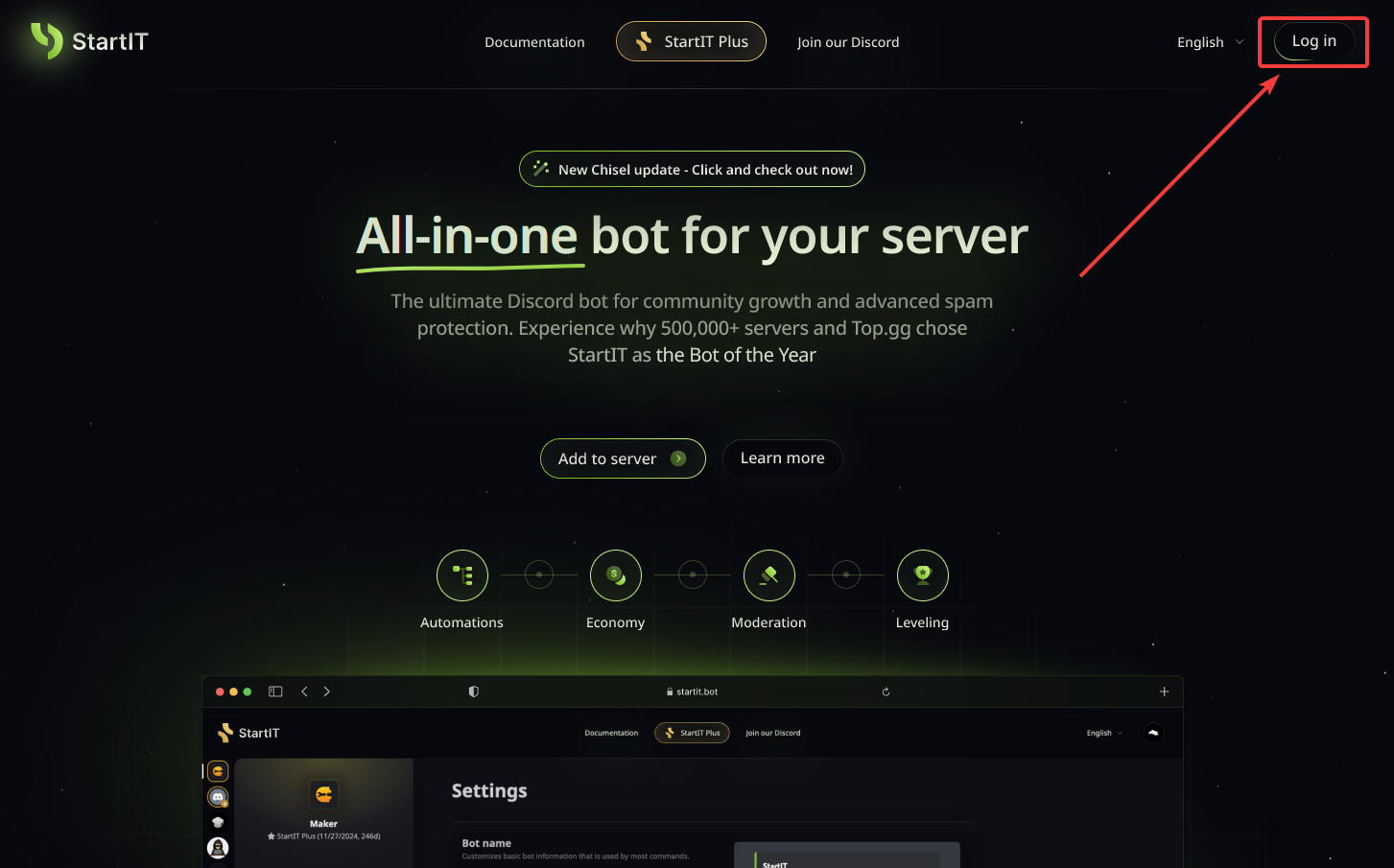
Head over to the website: Visit https://startit.bot/ and log in using your Discord account.

Invite the Bot: Select the server you want to enhance.
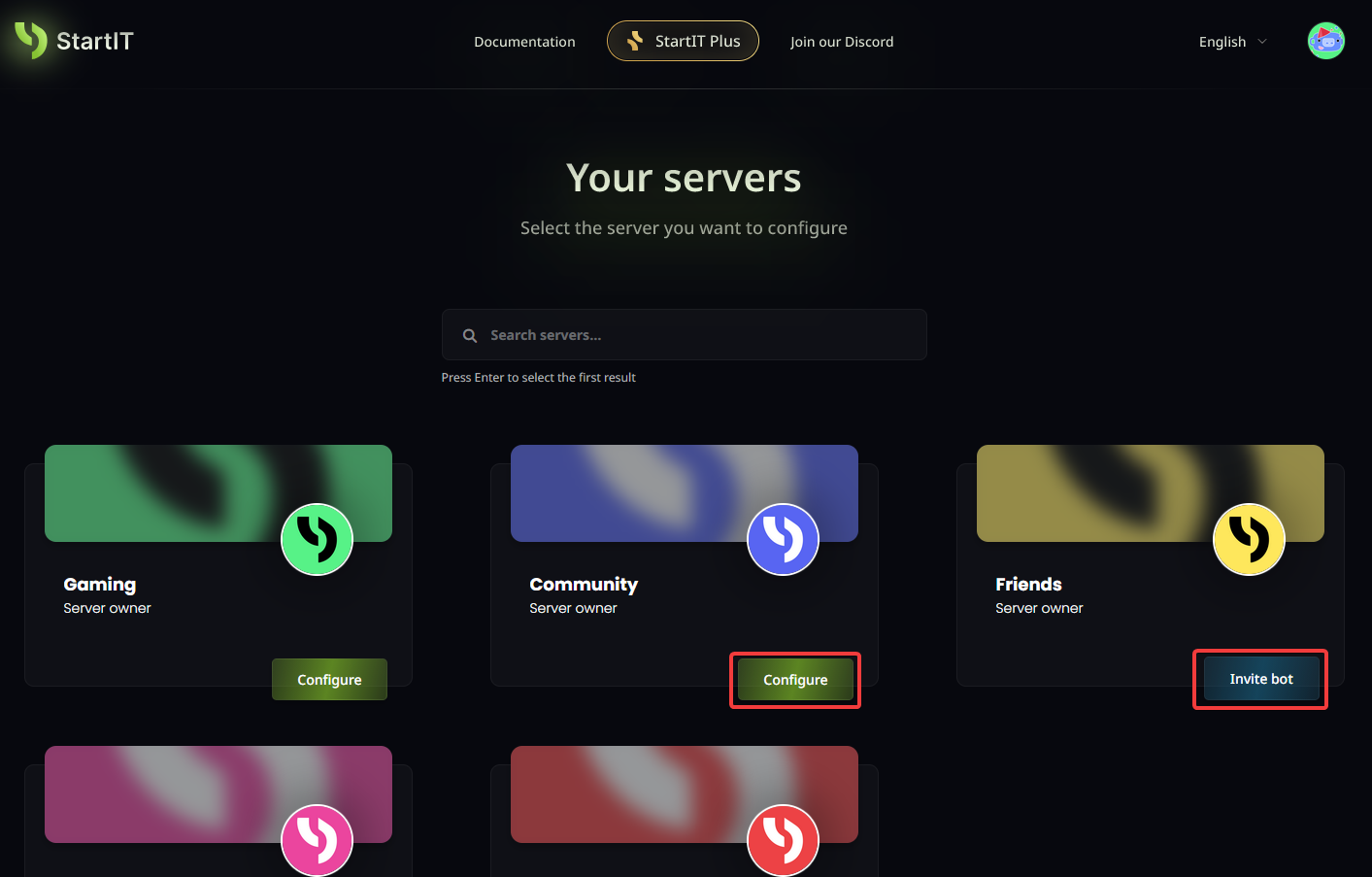
Note: You must have Administrator permissions for the server to appear in the selection list.
Start Economy system
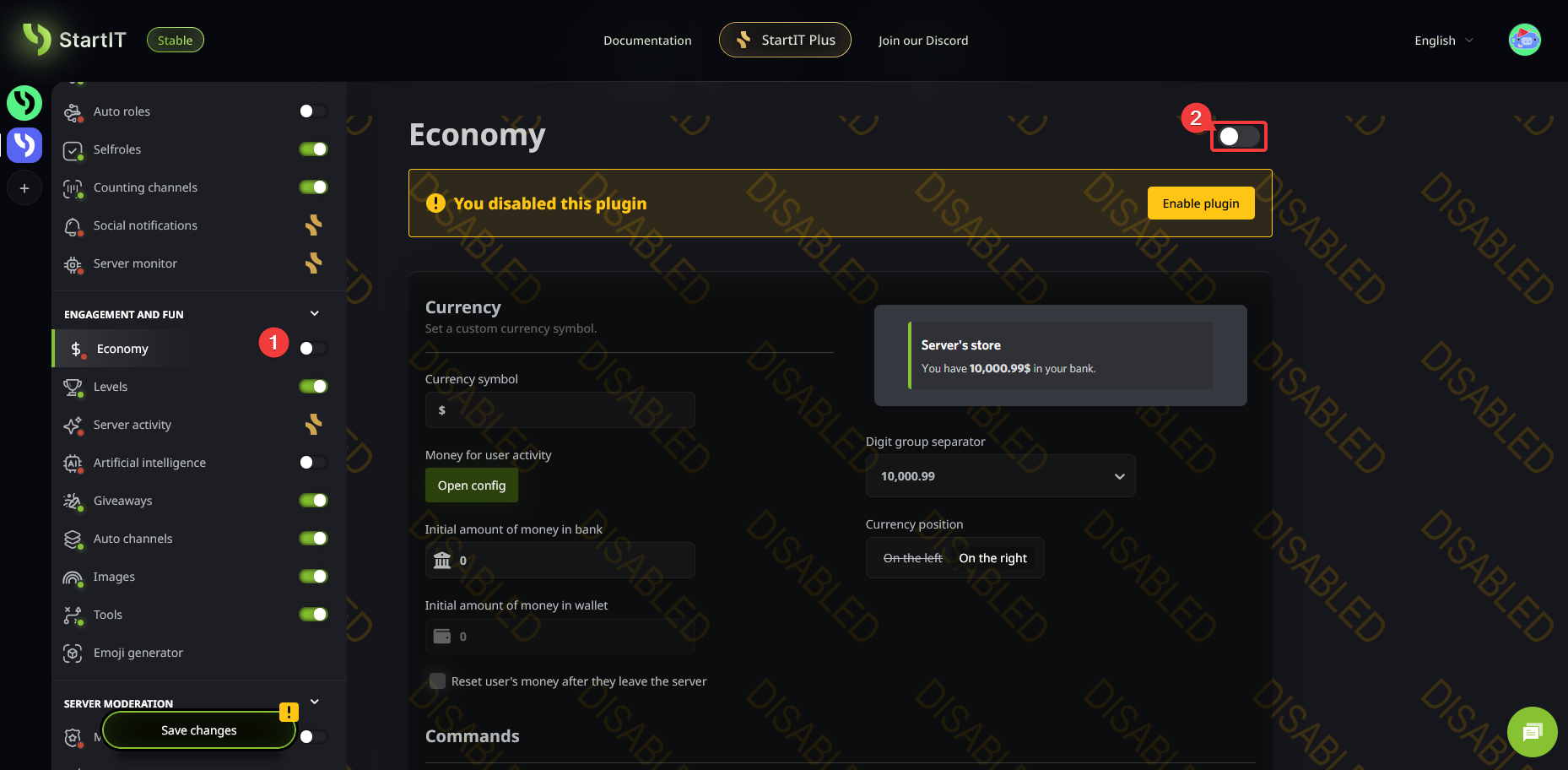
Navigate to the Economy plugin (1) and toggle it ON (2).
1. Defining Your Currency
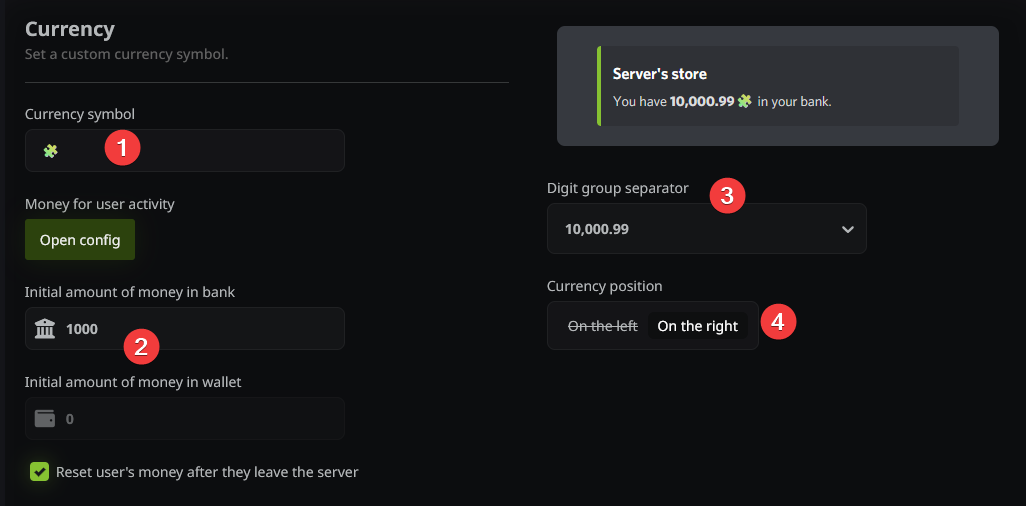
First, you need to establish the basic identity of your server's currency.
- Symbol: Choose a symbol for your currency—this can even be a custom emoji (1).
- Starting Balance: Set the initial amount of money a new user receives in their bank and/or wallet (2).
- Leave Settings: Decide if you want to reset the balance of users who leave the server.
- Formatting: You can customize how the currency is displayed (3) and choose whether the symbol appears to the left or right of the amount (4).
2. Rewarding Activity (Optional)
Want your members to earn money just by being active? You can set up "Money per Message."
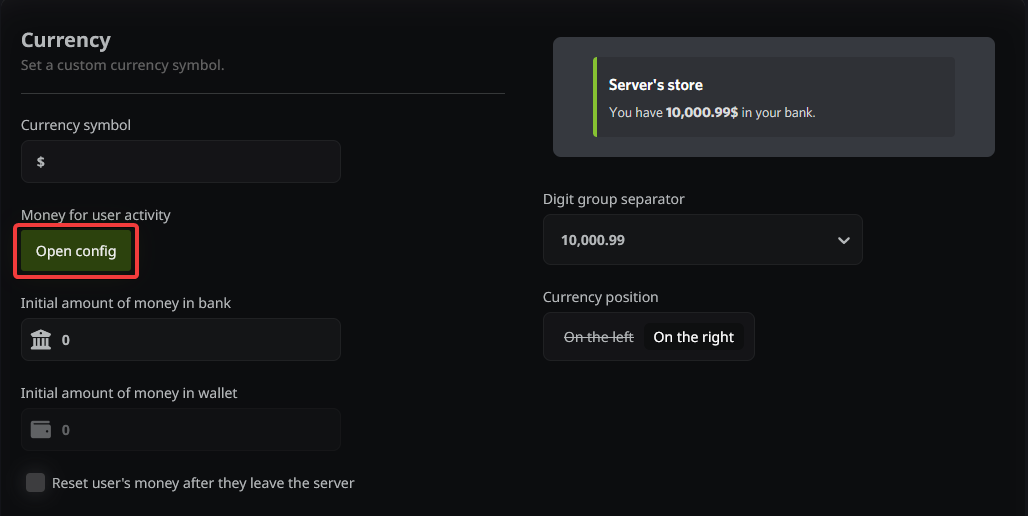
- Click on “Open Config”.
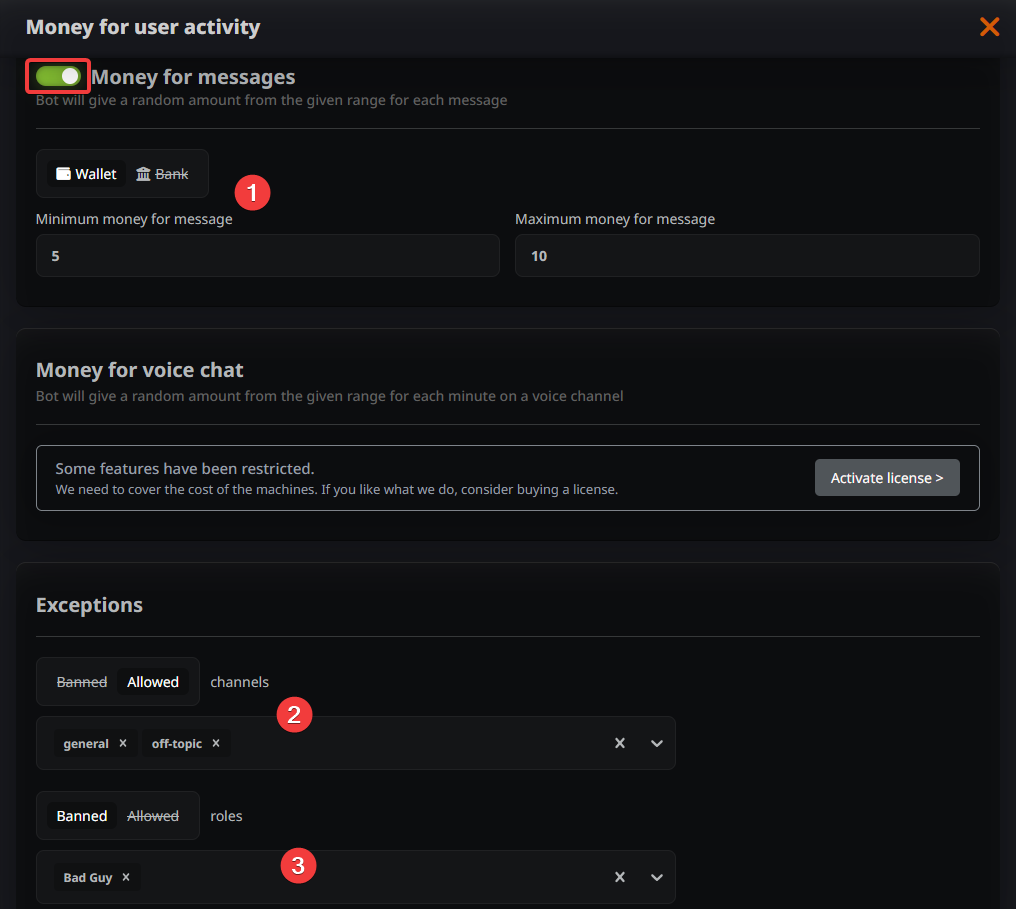
- Enable the feature using the slider and enter the income range earned for each message sent (1).
- Control the flow: You can specify allowed or ignored channels (2) and do the same for specific roles (3) to ensure the economy stays fair.
3. Permissions and Logs
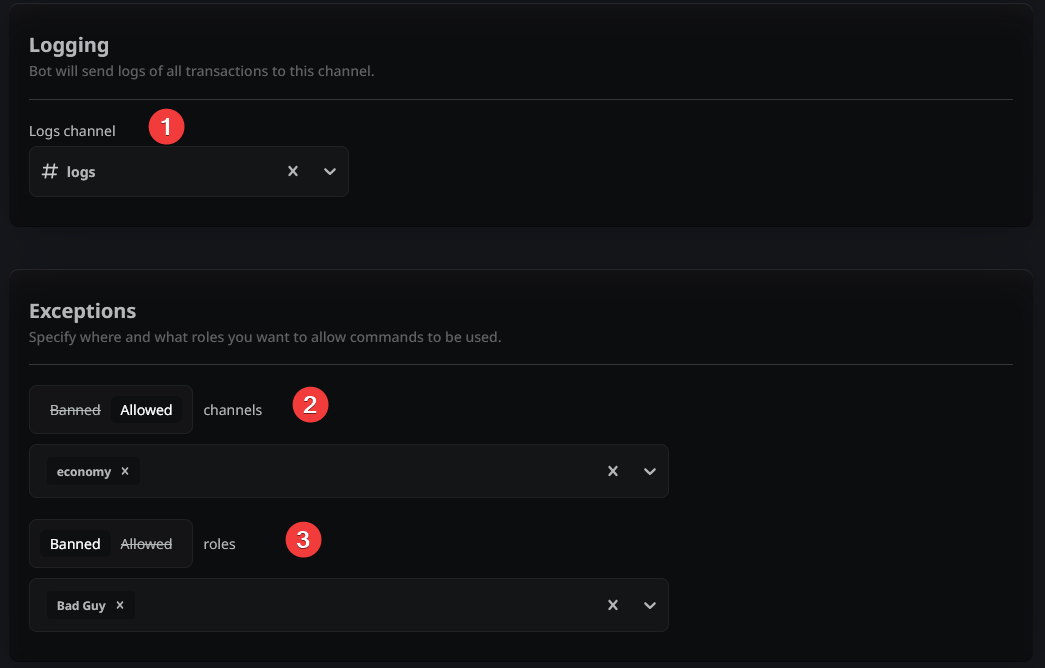
Scroll to the bottom of the page to finalize your global settings. Here, you can set up Economy Logs (1) to keep track of transactions. You can also restrict where economy commands can be used by managing Channel Permissions (2) and Role Permissions (3).
Note: Other advanced settings you see here will be covered in our upcoming specialized guides!
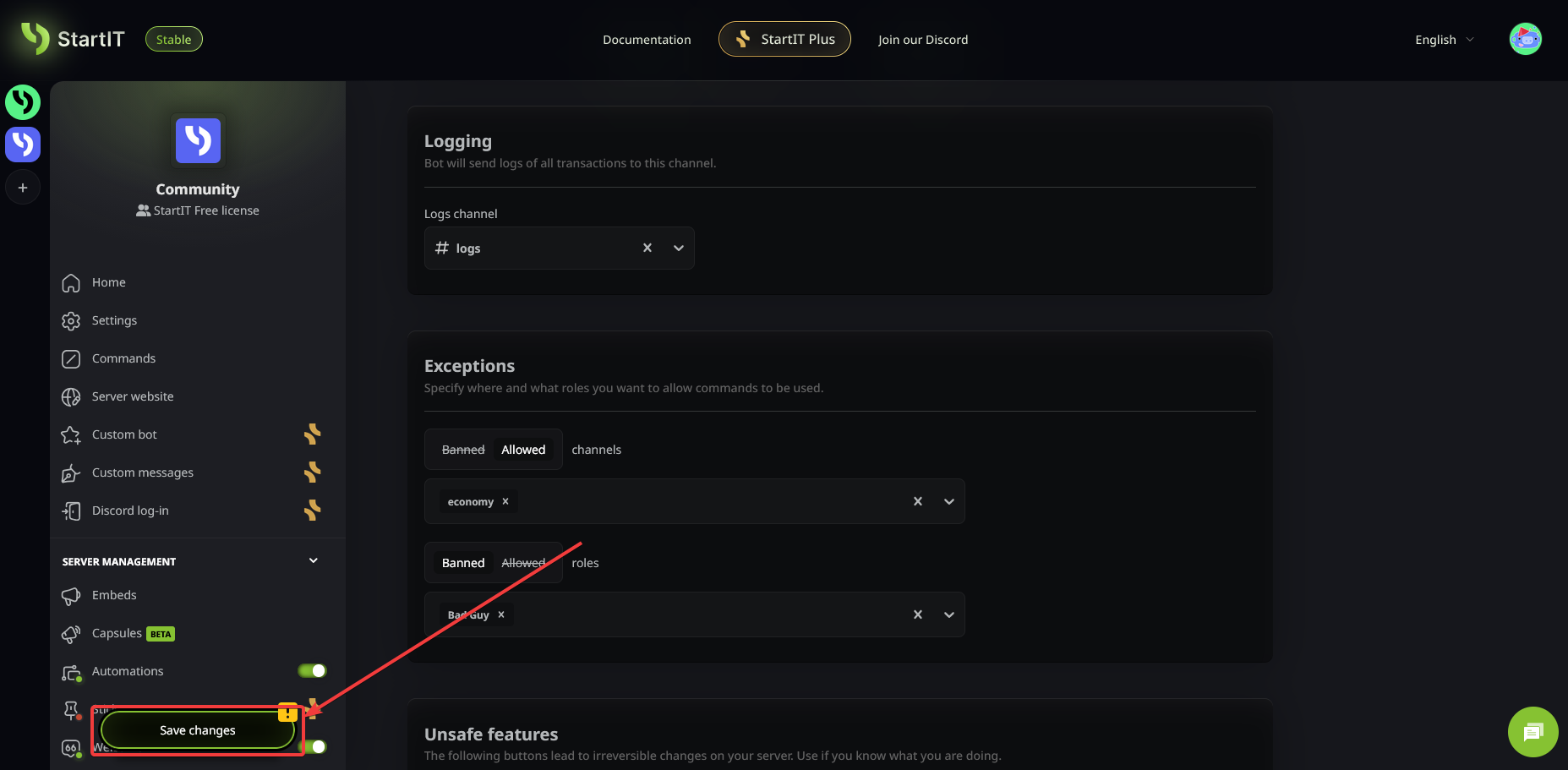
Important: Don't forget to Save Changes!
Essential Commands
Here are the tools your members will use to interact with your new system:
- /balance – Displays the user's current wealth.
- /topmoney – Shows a leaderboard of the top 10 richest users on the server.
- /pay – Transfers money to another user (tax rates may apply).
- /trade – Initiates a secure trade between two users.
- /cashdrop – The user "drops" a specific amount of money into the channel, which can be claimed by anyone within 15 minutes.
Robbery system
Those commands are not enabled by default:
- /withdraw – Takes money out of the bank to use for shopping.
- /deposit – Moves money into the bank to protect from robbery.
By default, your server economy starts in a simplified mode where the /deposit and /withdraw commands are disabled. However, if you want to add a layer of strategy and risk, you can enable the Robbery System in the dashboard.
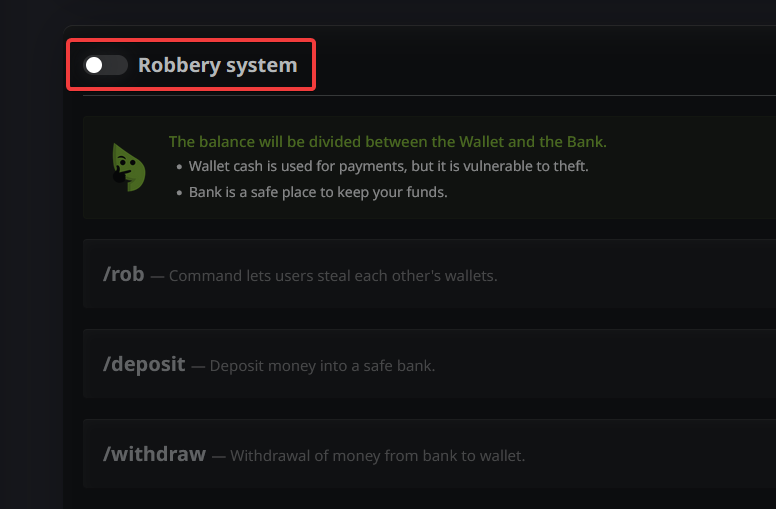
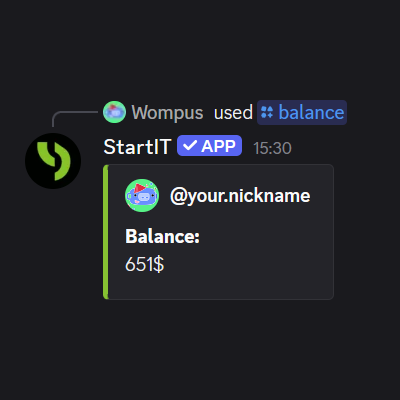
Once activated, the /balance command will automatically update to display a breakdown of your Wallet and Bank (as seen in the image below). This adds a whole new dynamic to your community: while cash in the Wallet is used for everyday payments, it is vulnerable to theft from other members via /rob @user command.
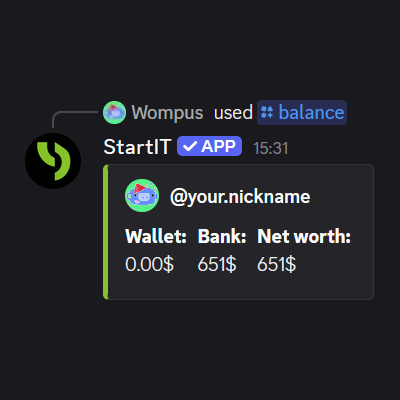
To keep their hard-earned funds safe, users will need to use the newly unlocked /deposit and /withdraw commands to move their money into the security of the Bank.
Ready to turn your server into a thriving marketplace? Add StartIT bot and start your own economy now!
Frequently Asked Questions
Can I manually give or take money from users?
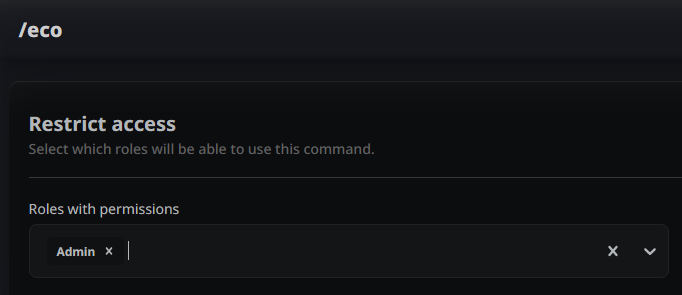
Yes! Use the /eco add or /eco remove commands. Make sure to configure the appropriate permissions within the Economy plugin first so only staff can use them.
Can I completely reset the economy?
Yes. At the very bottom of the plugin settings, there is a red button that will wipe all money and items from every user. To prevent accidents, this button can only be used by the Server Owner.
